
Read this article in: Deutsch
If registered users can't access the E-learning platform because they've forgotten their password, they can reset it on the E-Learning platform.
-
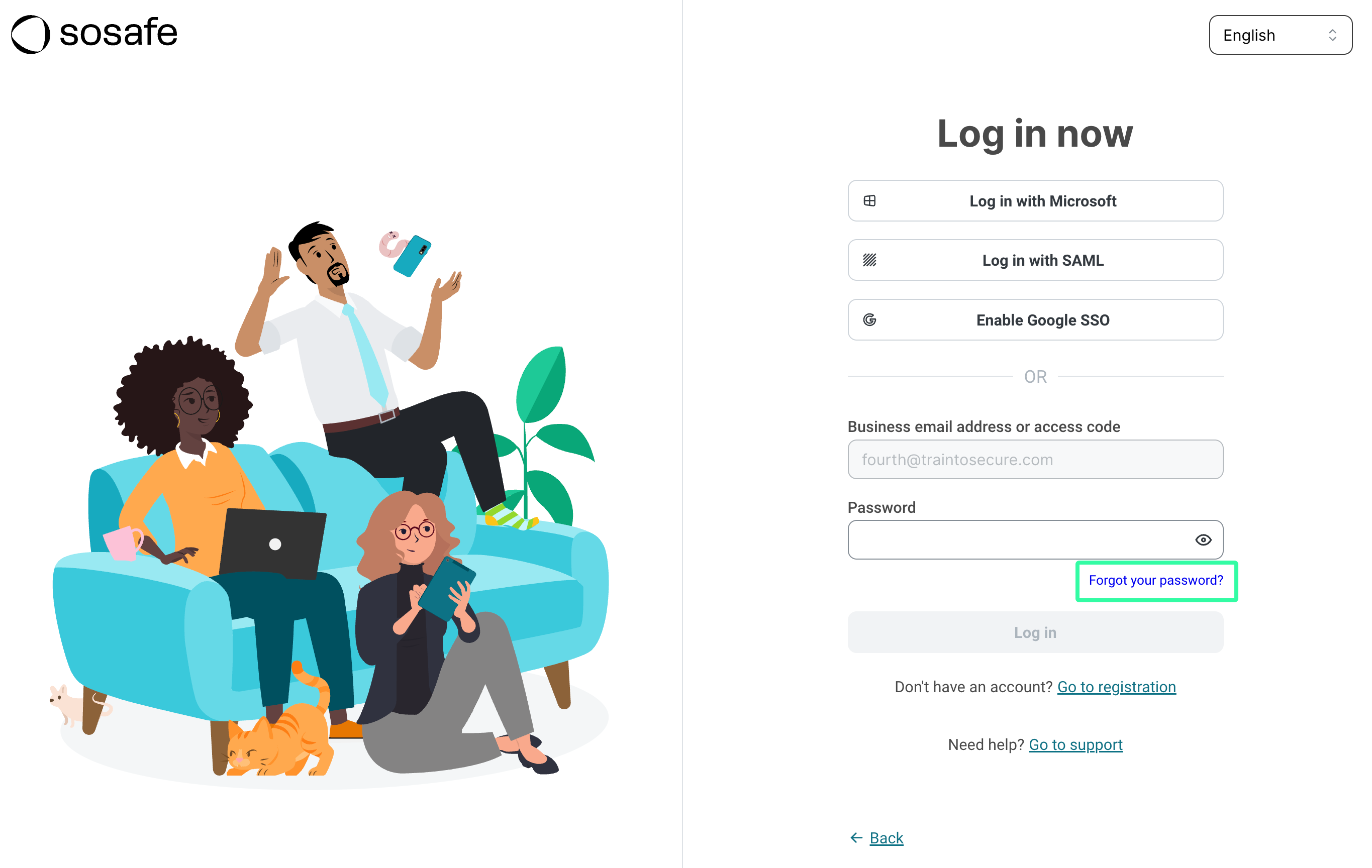
On the Log in page, enter the user's business email address and select Continue.
-
Now select Forgot your password?
-
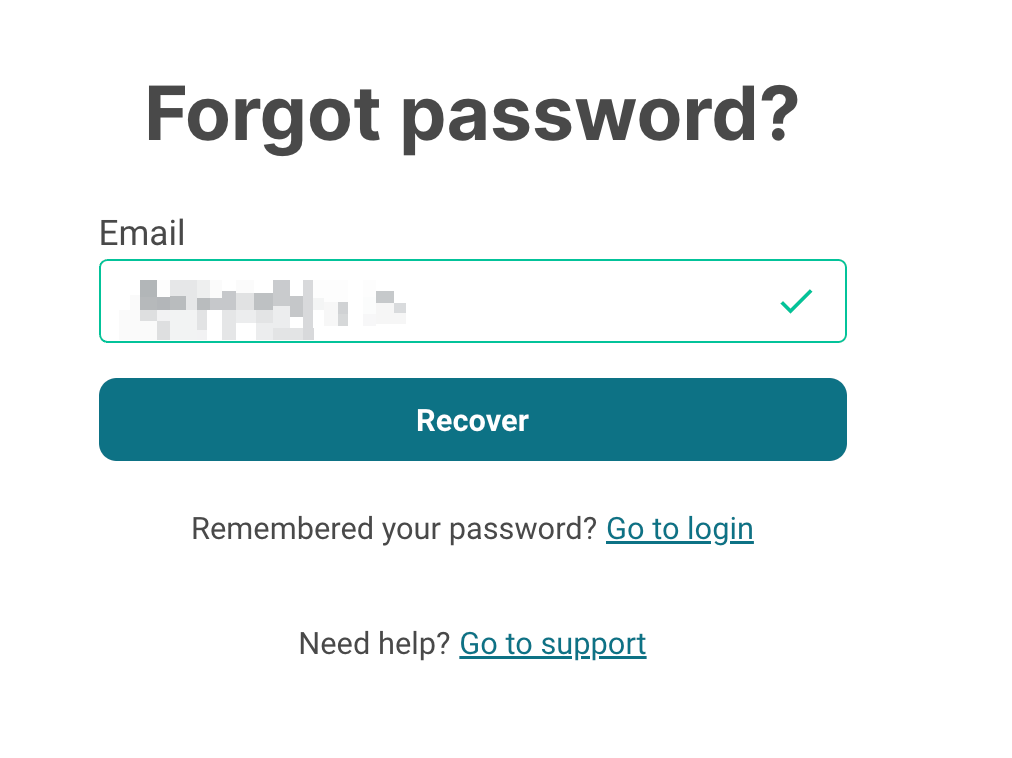
On the Forgot password? page, enter the user’s email address, and click Recover.
-
If the user is part of the e-learning training, they will receive an email with a link to reset the e-learning password.
You can also ask users to open the Forgot password? page by going directly to https://elearning.sosafe.de/password.
-
On the Forgot password? page, enter the user’s email address, and click Recover.