Read this article in: German
Once you have successfully rolled out the Phishing Report Button, you might want to disable the integrated Microsoft Defender Report button in Outlook for your users. Only hide the Microsoft button if the PRB is rolled out to all users and is working correctly.
-
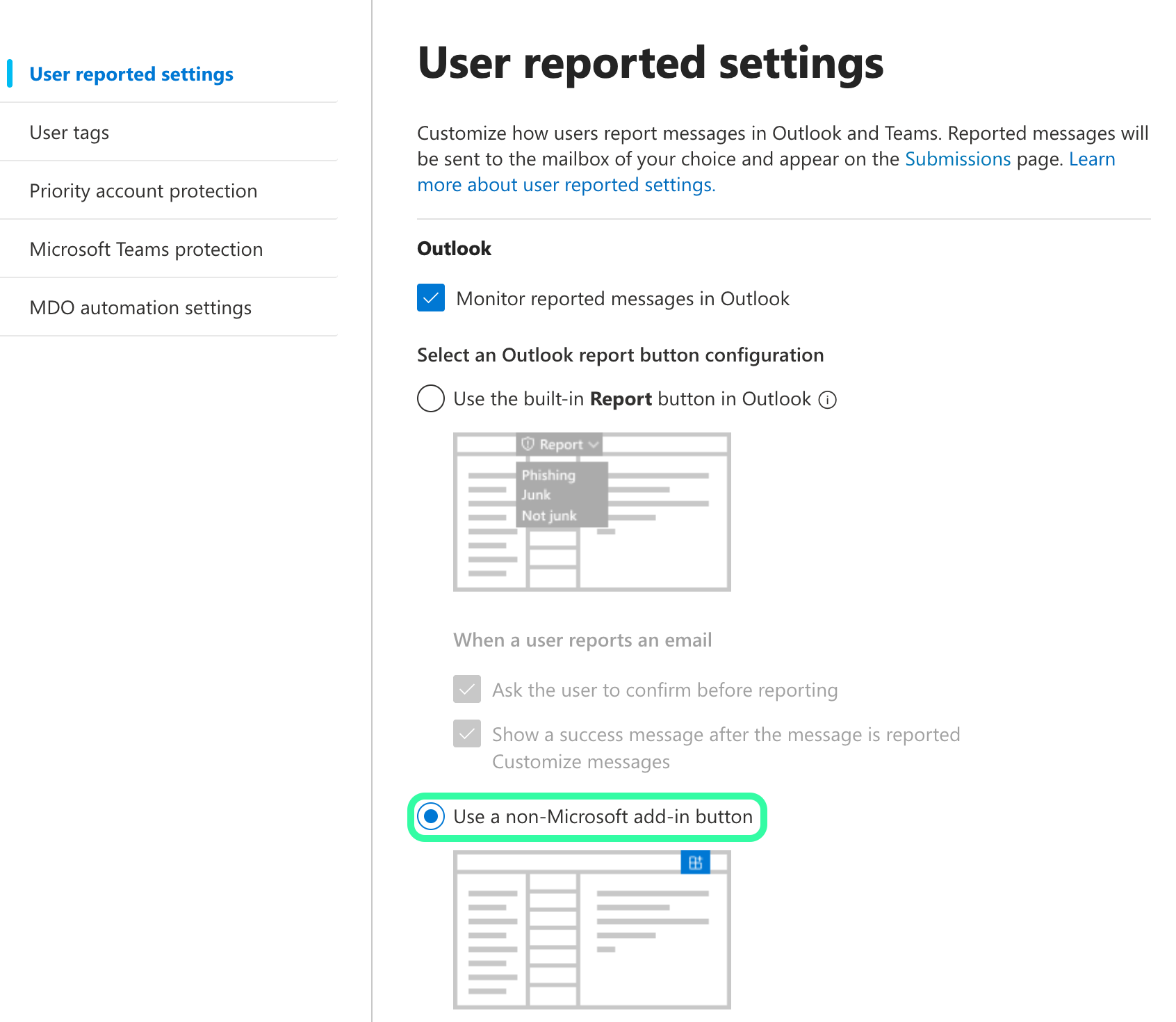
Go to the Microsoft Defender portal. Navigate to System / Settings / Email & collaboration / User reported settings. You can also go to this page directly: https://security.microsoft.com/userSubmissionsReportMessage
-
Make sure the checkbox for Monitor reported messages in Outlook is checked.
-
Select Use a non-Microsoft add-in button.