
Overview
As an administrator, you can now set up both Phishing Simulations and E-Learning courses on your own. The following article will guide you through setting up follow-up campaigns based on the results of previous campaigns.
Note: Please log in to the Manager to check the duration of your current Phishing Simulation and E-Learning course. You can find campaign data in the upper right corner of the respective Analytics section.
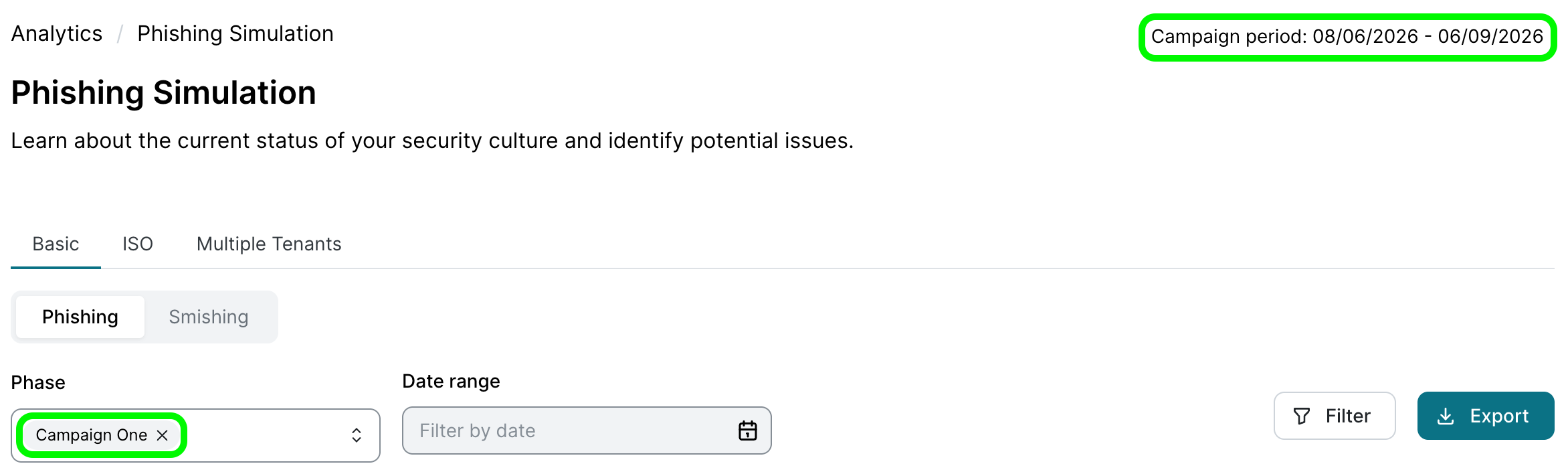
Phishing Simulations
Key metrics
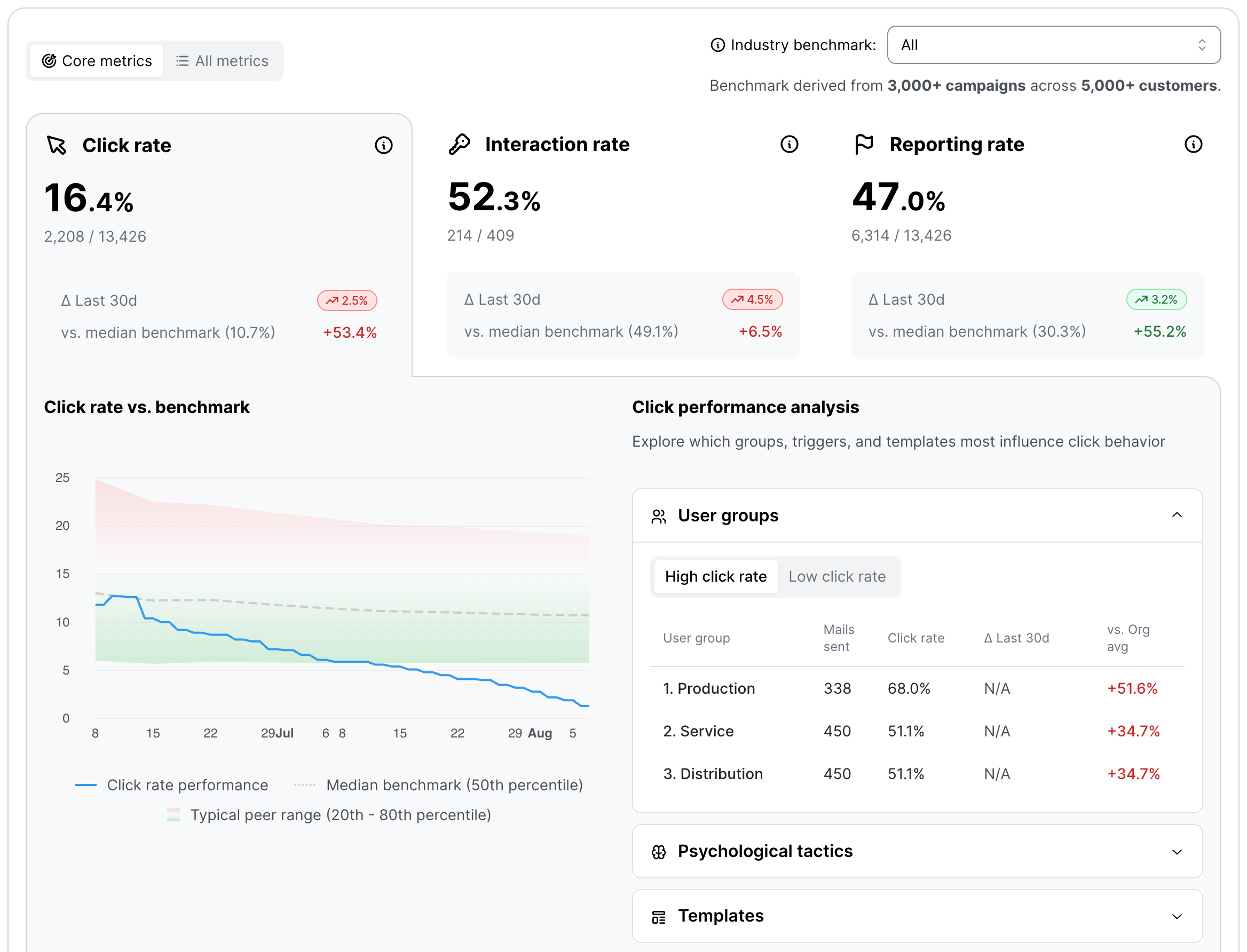
Here you can assess how resilient your organization is to phishing attacks.
-
Click rate: The percentage of users who clicked on a link or element in a phishing email. The primary goal is to reduce this percentage over the long term.
-
Interaction rate: The percentage of users who entered sensitive data on a fake landing page or enabled macros.
-
Reporting rate: The percentage of users who actively reported the email using the phishing report button. A rising reporting rate is often more meaningful than a falling click rate, as it indicates an active “human firewall”.
You can find a detailed breakdown of all Phishing analytics here.
Basic Phishing Simulations
Basic Simulations are designed to establish a stable baseline level of security awareness across your organization.
Note: Basic simulations are available from the Essential package onwards.
-
Target audience: All employees in the company (the full user list).
-
Focus: Recognizing common phishing indicators (e.g., incorrect sender addresses, generic salutations and urgent calls to action).
-
Frequency: Continuous, randomized distribution throughout the year to minimize habituation.
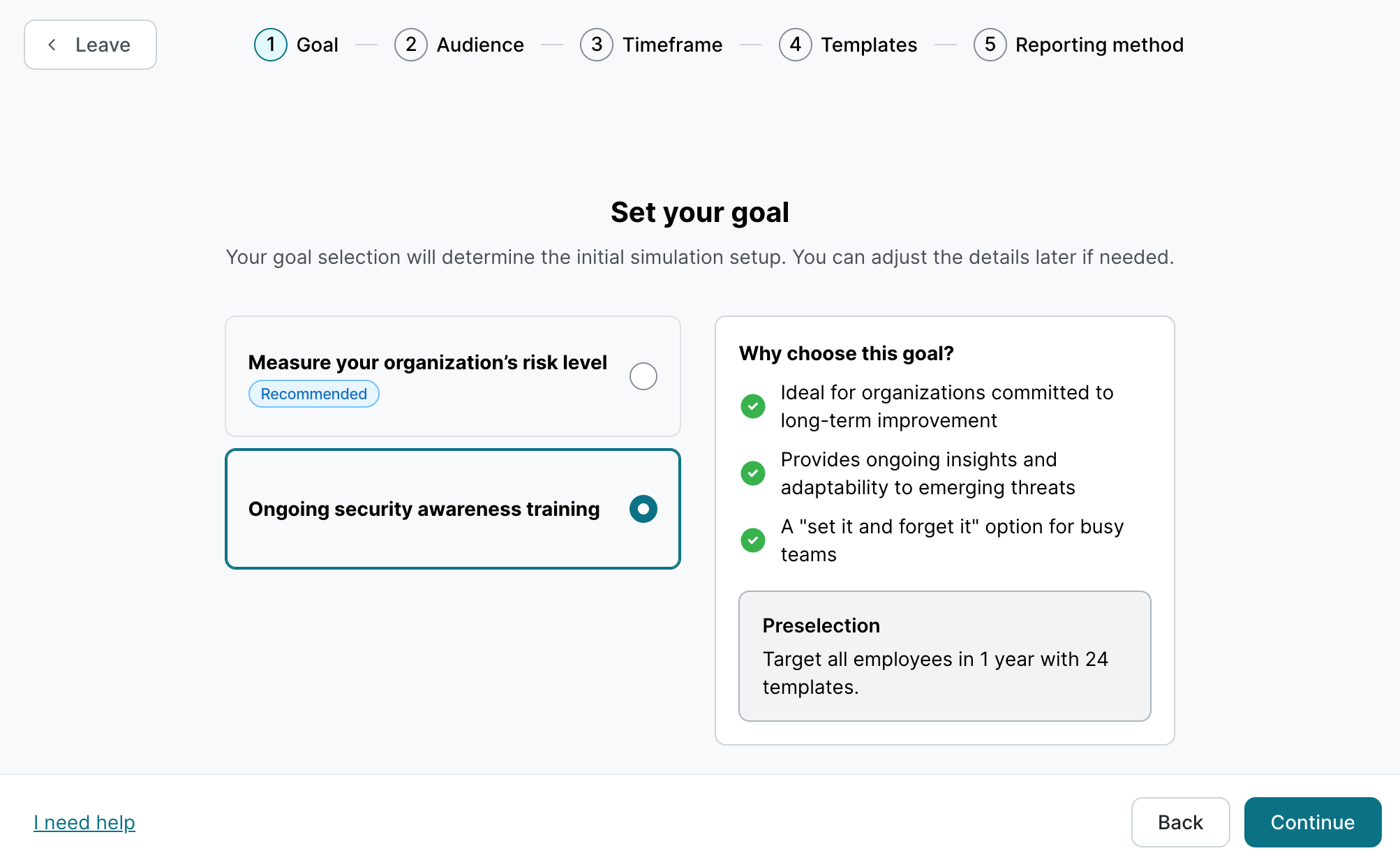
Our recommendation:
-
Duration: Approx. 1 year.
-
Number of templates: 12 to a maximum of 24 for a 1-year campaign.
-
Difficulty: Adjust difficulty level and include templates with simulated login pages based on previous analytics.
-
Other: If the click rate is very low (< 5%), make templates more challenging.
Targeted Phishing Simulations
Note: Targeted phishing simulations are available from the Premium package onwards. If the behavior-based simulation is currently enabled and you would prefer targeted simulations instead, please contact us to switch.
Unlike Basic Simulations, Targeted Simulations let you run separate campaigns for specific user groups.
-
Target audience: High-risk departments such as Finance, HR, or IT Administration; also useful for addressing varying knowledge levels across groups.
-
Scenarios: Templates that mimic real work situations (e.g., fake job applications for HR or spoofed invoices for accounting).
-
Goal: Build awareness of sophisticated social engineering attacks.
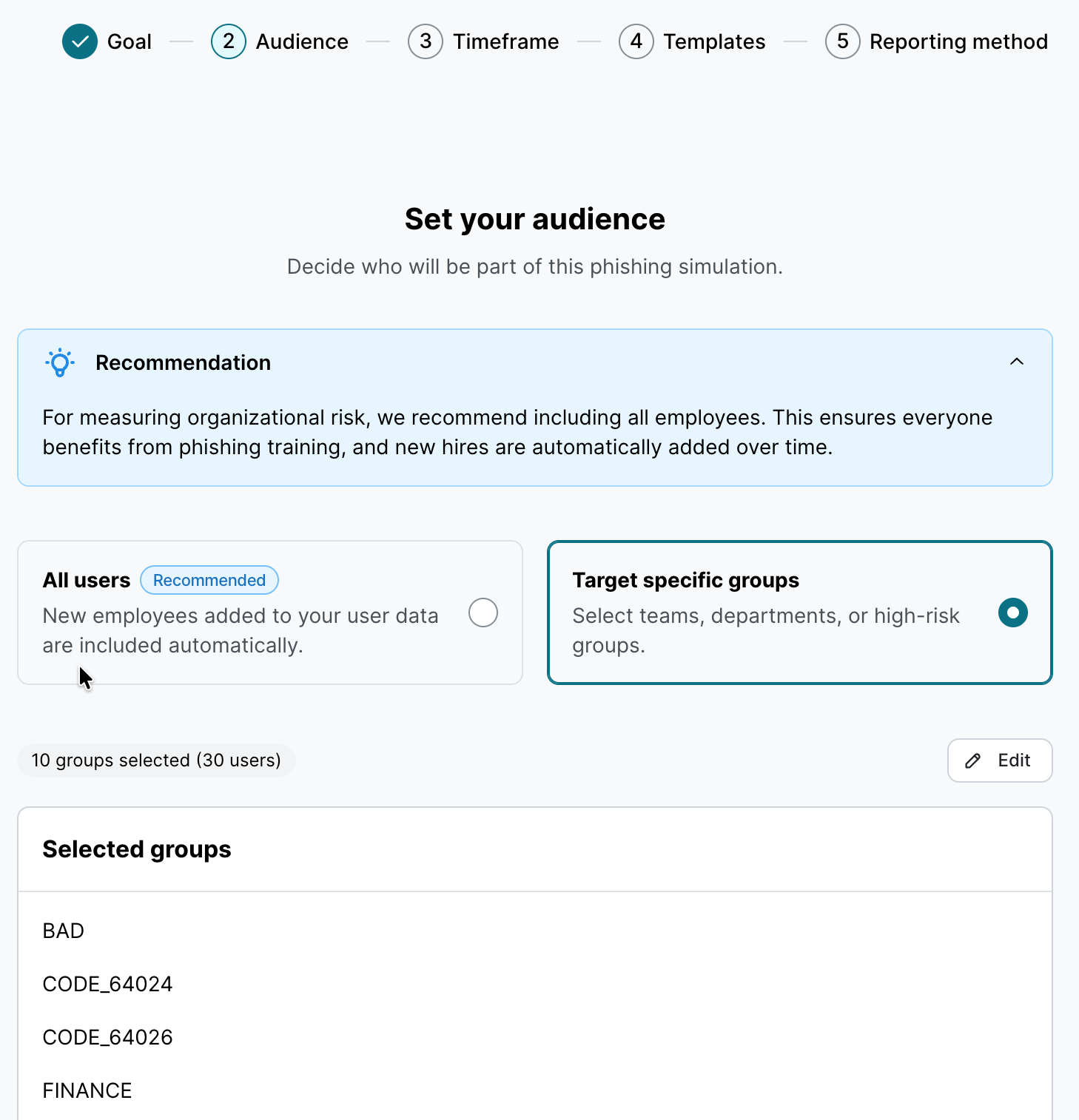
Our recommendation:
-
Run a basic simulation for all users with general templates.
-
Additionally, run targeted simulations for high risk user groups.
-
Duration: Approx. 1 year (align duration across all active campaigns).
-
Number of templates: Users should receive 12–24 templates per year in total across all simulations.
-
Difficulty: Adjust difficulty level and include templates with simulated login pages based on previous per-group analytics.
-
Other: You can also create custom templates using our Template Studio.
Detailed instructions for creating a targeted phishing simulation can be found here.
Behavior-based Simulation
Note: Behavior-based phishing simulations are available from the Premium package onwards. If you would prefer to use targeted simulations rather than behavior-based ones, please let us know, and we will disable this feature.
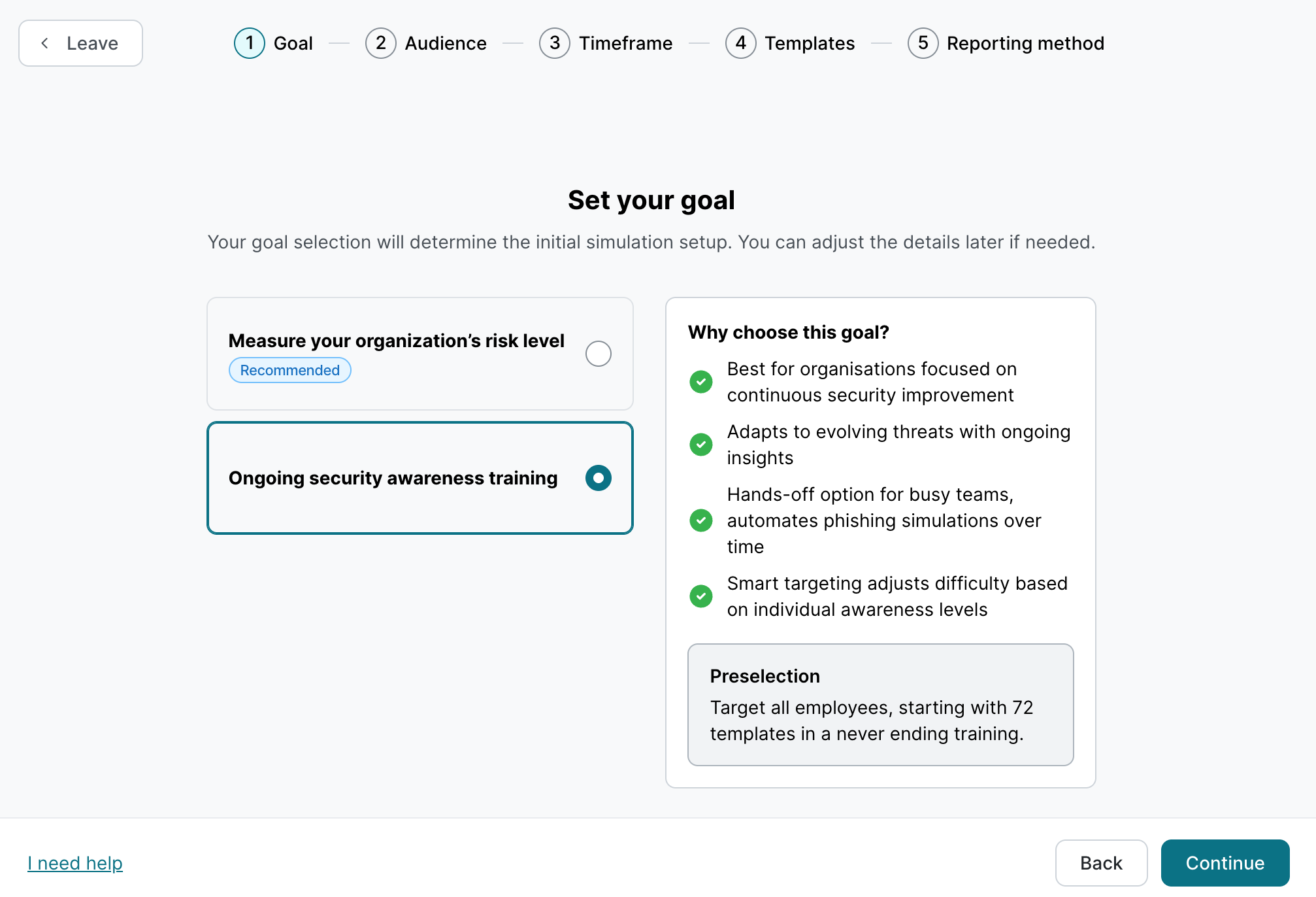
This simulation adapts dynamically to each user’s behavior.
-
Target audience: All employees in the company (the full user list).
-
Trigger logic: Template difficulty adjusts based on each user's click behavior (users who identify easier templates will receive progressively harder ones).
-
Goal: Keep users engaged by matching challenge level to their current knowledge.
Our recommendation:
-
Duration: Approx. 1 year
-
Number of templates: No fixed minimum — the more templates available, the better the adaptation.
-
You can also create custom templates using our Template Studio.
You can find detailed instructions for creating a behavior-based phishing simulation here.
E-Learning
Key metrics
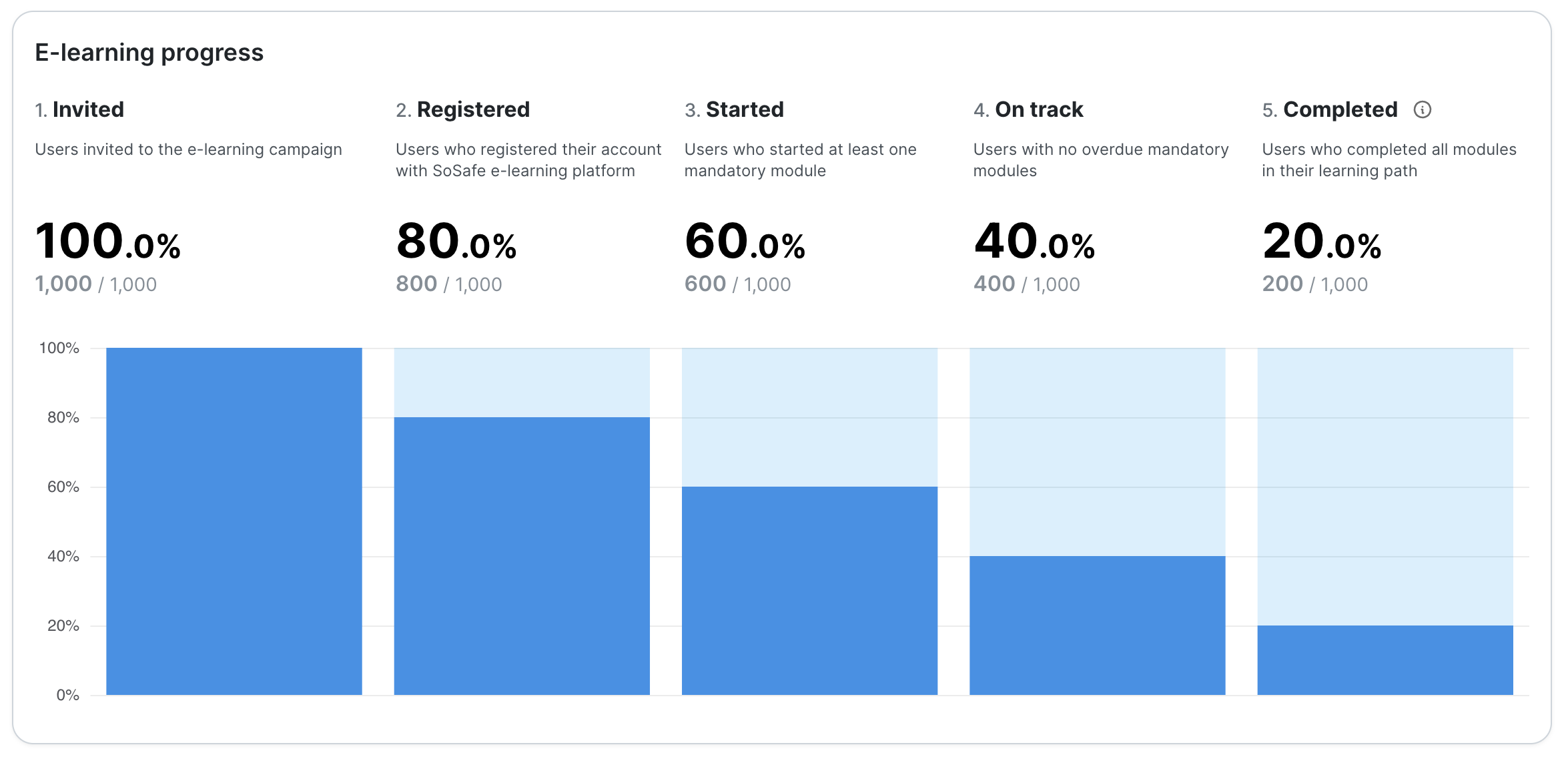
This is where progress through training modules is tracked — particularly important for audits and certifications.
-
Learning Progress: How many users are on track, and how many are falling behind? (Key metric: Useful for identifying early whether users are progressing at the right pace).
-
Completion Rate: The percentage of users who have fully completed their assigned mandatory courses. (Most meaningful in the final weeks of the campaign).
You can find a detailed overview of all e-learning analytics here.
E-Learning courses for all users
Note: E-learning courses are available from the Essential package onwards. If a course in the course overview displays the message “Older lesson format - cannot be edited” please contact us to have it edited.
-
Target audience: All employees (the full user list).
-
Focus: Interactive knowledge transfer, understanding of security policies, identifying everyday risks, and completing competency assessments for audits.
-
Frequency: Ongoing training throughout the year, with annual refresher sessions and pre-course assessments.
Our recommendation:
-
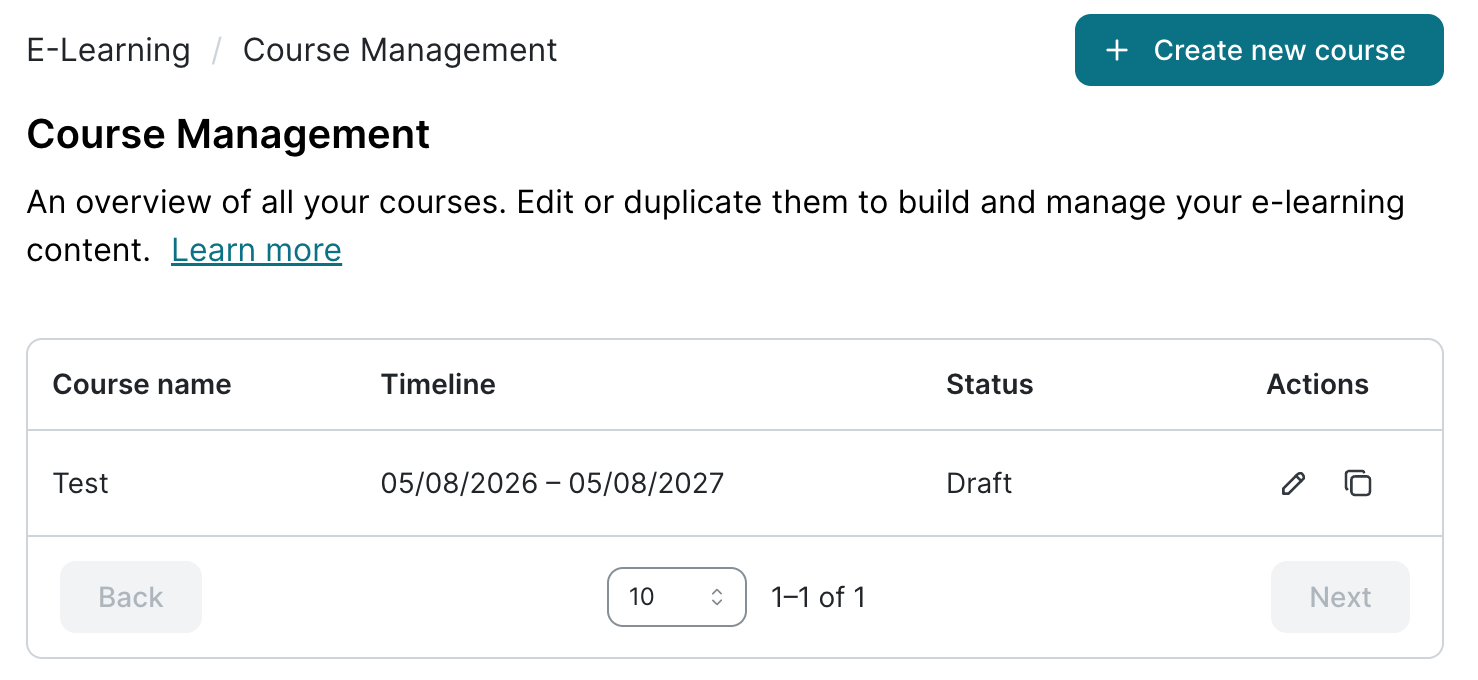
Duration: Approx. 1 year.
-
Number of modules: varies; typically at least 2–3 modules per month (120 learning minutes per year).
-
Enable pre-course assessments for users who have previously completed cybersecurity training.
Note: Users added after the course starts will automatically receive an invitation. Learning paths (i.e., the modules) are dynamically distributed over the remaining course duration.
E-Learning courses for specific user groups / Concurrent courses
Note: When a single course would not serve all employees equally well, this may lead to frustration, wasted time, and unnecessary module completion. While survey-based modules within a course already provide some personalization, running parallel courses may be the right choice in the following scenarios:
-
Role-specific onboarding (Orientation)
-
Different compliance requirements (Mandatory training)
-
Targeted training for management or leadership
Important: Course assignment is based on user groups. Each user group can only be assigned to one course at a time. Avoid moving users or user groups between courses while they are running — this can distort analytics and may cause users to repeat modules.
The more concurrent courses you run, the greater the administrative burden and the higher the risk of errors for the administrators.
Our recommendation:
-
Duration: Approx. 1 year (same duration for all courses)
-
Number of modules: varies; typically at least 2–3 modules per month of course duration.
-
Keep the number of parallel courses to a minimum to reduce administrative complexity.
-
Enable pre-course assessments for users who have previously completed cybersecurity training.
Migration to new SSO
If you haven't already done so, please switch to our new, improved single sign-on solution based on Auth0. It offers a much better user experience and is more secure as well. If you have admin rights, the migration only takes a few minutes. You can find more information here.
Custom modules
Note: Available from the Premium plan onwards.
You can also extend your e-learning course with your own modules. Two options are available:
-
Policy-to-Lesson: Use the AI in Policy-to-Lesson to convert company policies in PDF format into lessons, add a quiz, and activate them in a course just like any other module.
-
SCORM Upload: Upload your own SCORM files and activate them in the course.