
Read this article in: German
Some employees may not have a company email address or may not be able to receive emails. SoSafe offers a solution that allows these employees to participate in your E-Learning using a unique access code.
What is code access?
Code access allows employees without an email address to register and participate in e-learning campaigns. Instead of registering with an email, these users log in with a shared code and set their own password. Each user receives an individual account, even though they use the same code to register.
When to use code access
Use code access for employees who:
-
Do not have a company email address (e.g., factory or field workers)
-
Have an email address but cannot receive emails
How employees receive the code
As an administrator, you are responsible for distributing the code and instructions to employees. Provide the code via printed materials, internal communications, or other suitable channels.
How employees register with a code
Registration is quick and easy. You can add the following instructions to your own communication or provide the following link for publicly accessible written instructions: How to register for the e-learning platform with a code
-
The employee receives the code from you.
-
They visit the registration page.
-
They enter the code provided and select Next.
-
They enter their personal data and select Register.
-
A dialog window welcomes them to SoSafe and displays a password. This password must be remembered or stored securely. Without it, they will not be able to access their account and their e-learning progress will be lost.
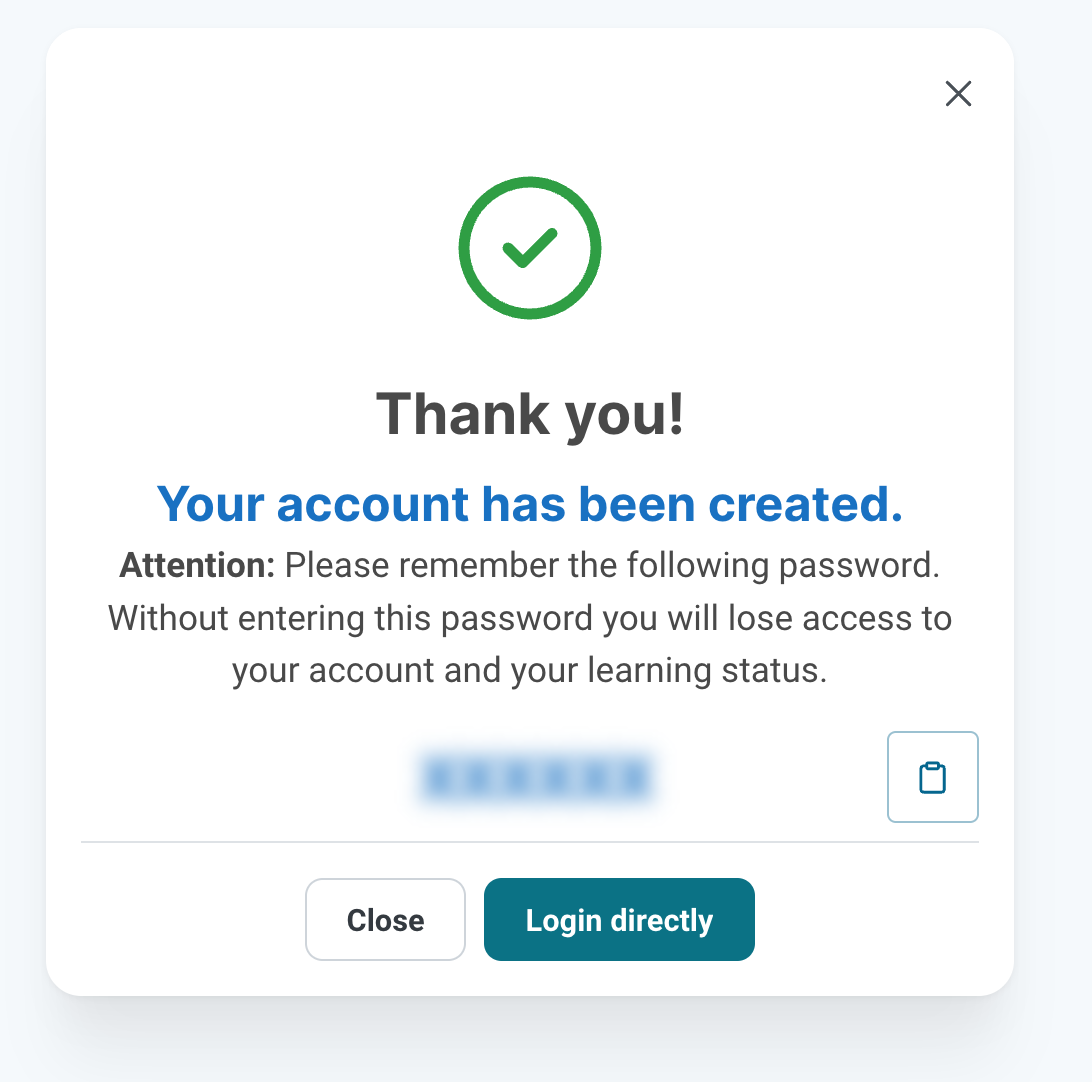
Due to the lack of an email address associated with code users, it is not possible to reset someone’s password. If an employee loses or forgets their password, they must register again and all progress will be lost.
Pre-registration by the administrator
To ensure that all users are registered with specific information (such as name or location), you can also pre-register users. Then, distribute both the code and individual passwords. To do so, simply go to the registration page and do the registration for each user with their details. Store passwords securely and provide them to each user individually.
Setting up code access in SoSafe Manager
-
If you’re setting up the E-Learning by yourself as part of the self-service onboarding process, you can specify a code during the Employee login step. See Self-service E-Learning for more details.
-
In all other cases, let your SoSafe contact know that you would like to set up code access for your E-Learning. You can provide a code or let us handle that part.
-
Codes must be
-
unique (do not reuse between campaigns)
-
between 6 and 10 characters long
-
contain only numbers and upper case letters
-
Reporting and certificates
-
Code users’ activities are included in analytics and exported reports.
-
Users are not required to provide their real names during registration, so participation can remain anonymous.
-
If a certificate of completion is needed, the user’s name must be added to their profile.
Frequently asked questions
|
Question |
Answer |
|---|---|
|
Can I use dummy email addresses for code users so they show up under user management? |
No. Accounts using email addresses must be activated and thus require a real email address that can receive emails. |
|
What if a code user forgets their password? |
The password cannot be reset. Please ensure users save their password securely. |
|
Will code users lose their progress if a new campaign starts in the following year? |
Yes, progress cannot be transferred between campaigns. |
|
Can I delete code users? |
Code users appear in Analytics but not in user management, so they cannot be deleted via the Manager. |